
For service providers
Register your business
Complete the four-step registration form and submit it for approval.
To offer services on Sahalat you register your business and send it to our team for approval. You can stop part-way and come back — your progress is saved.
-
Create an account first
Sign up like any user, then choose Register as a provider. Confirm your mobile and email with the codes we send.
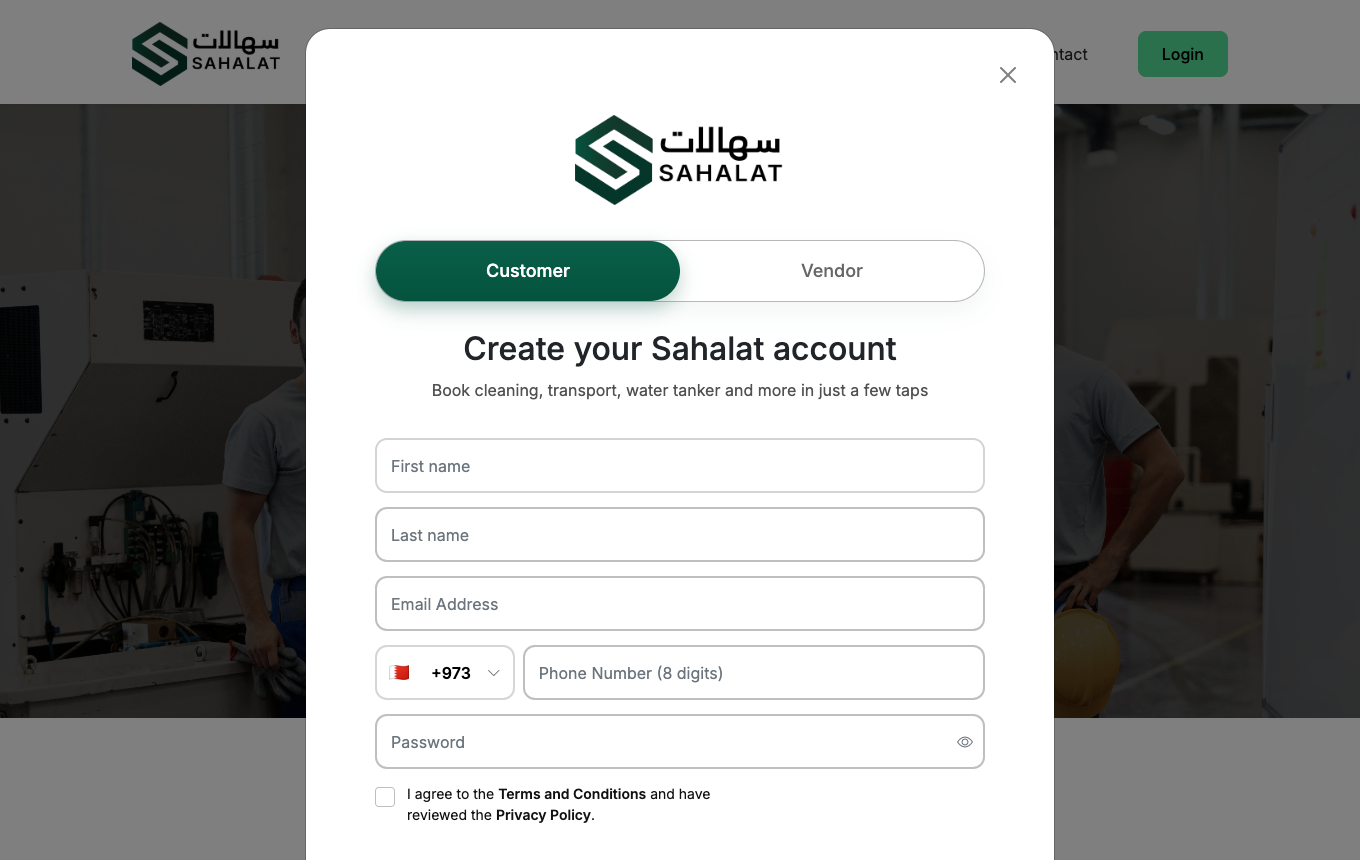
Sign up on the Sahalat home page, then start the business registration. -
Tell us about your business
Choose whether you are registering as an individual or a company.
- Individual — your CPR number and its expiry date.
- Company — company name, CR number and expiry, an optional website, plus the authorised person's name, CPR and CPR expiry.
Companies can also list additional owners. Add your logo and a short description of your business — customers see both when comparing offers.
-
Add your business address
Flat or shop number, building, road, block and town. You can drop a pin on the map so customers and our team can find you.
-
Choose the services you offer
Tick the services you can provide. This matters: you will only ever be shown jobs for the services you select here, so pick everything you genuinely cover.
-
Upload your documents
Upload each document on the list. Documents marked required must be uploaded before you can submit.
Make sure scans are readable and not expired — unclear documents are the most common reason an application is sent back.
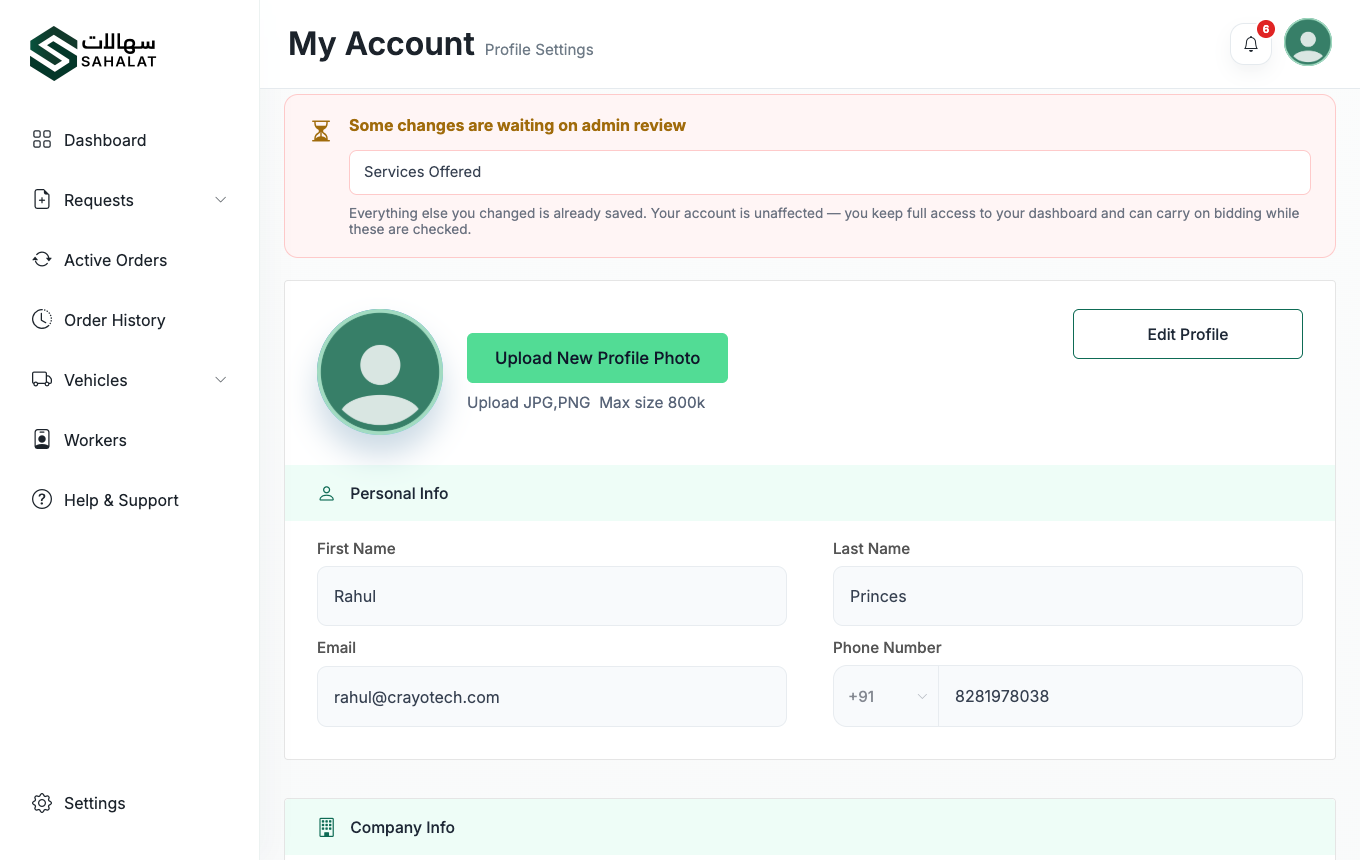
Your account page shows the documents on file and their status. -
Submit
Submit the application. You are given an application number such as
APP-2026-0004, and our team reviews it.
You can sign in while you wait, but you will not see any jobs until you are approved. See Getting approved.



 Continue with Google