
For customers
Book a service
Choose a service, tell us what you need, set a date and confirm your booking.
Booking works the same way for all six services. You tell us what you need, where and when — then providers send you their prices.
-
Pick the service you need
From your dashboard, choose one of the six services: Water Tanker, House Cleaning, Transportation of Goods, Machinery Hiring, Construction and Maintenance, or Plumber and Electrician.
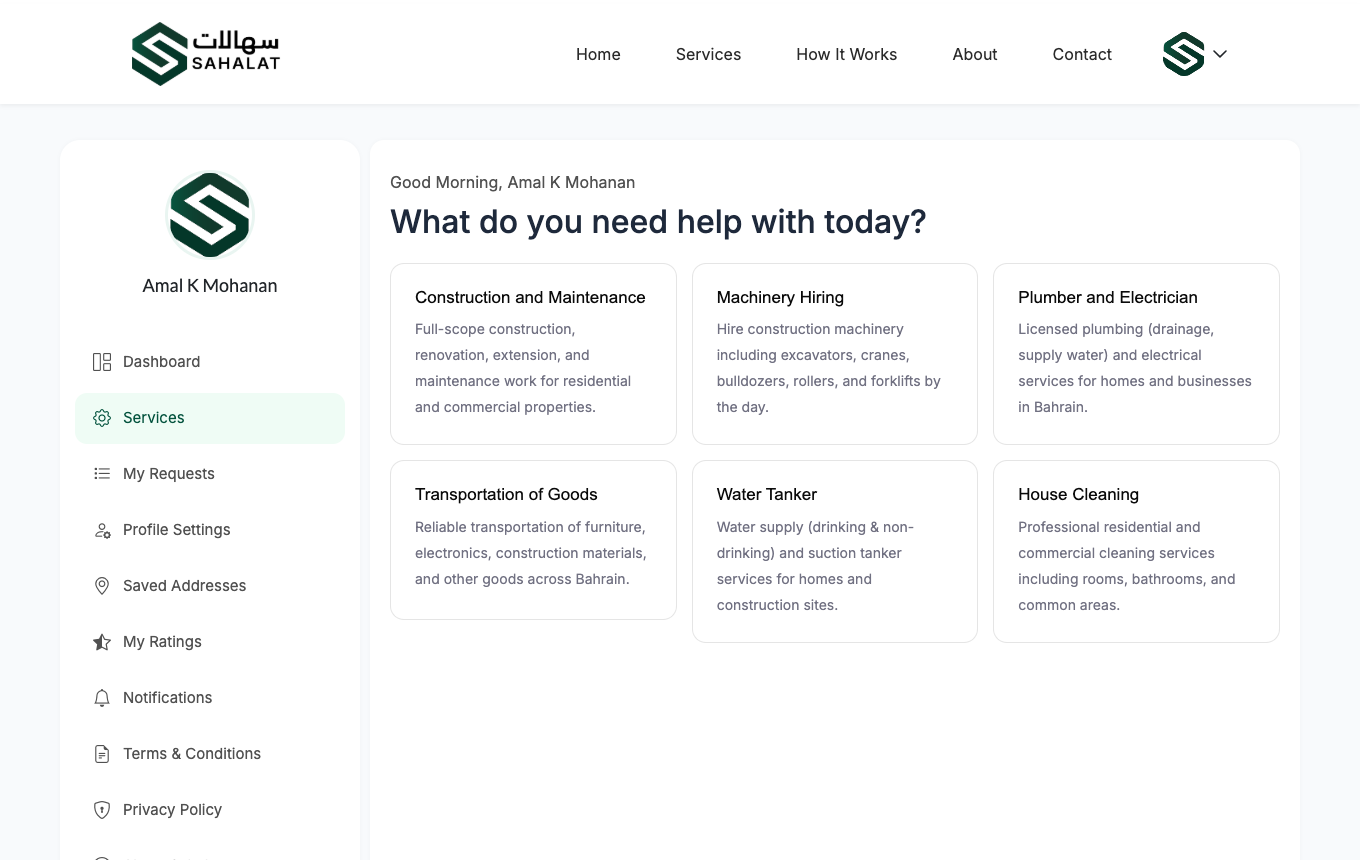
The six services you can book. -
Fill in the service details
The first section asks about the job itself. For a water tanker that means the tanker type, the size and how many you need. Every service asks slightly different questions.
Fields marked with a red asterisk are required. Add a short description of what you need, and a contact number for this job — it can be different from the number on your account.
You can stop and come backYour answers are saved as you go. If you close the page, the form will still be filled in when you return.
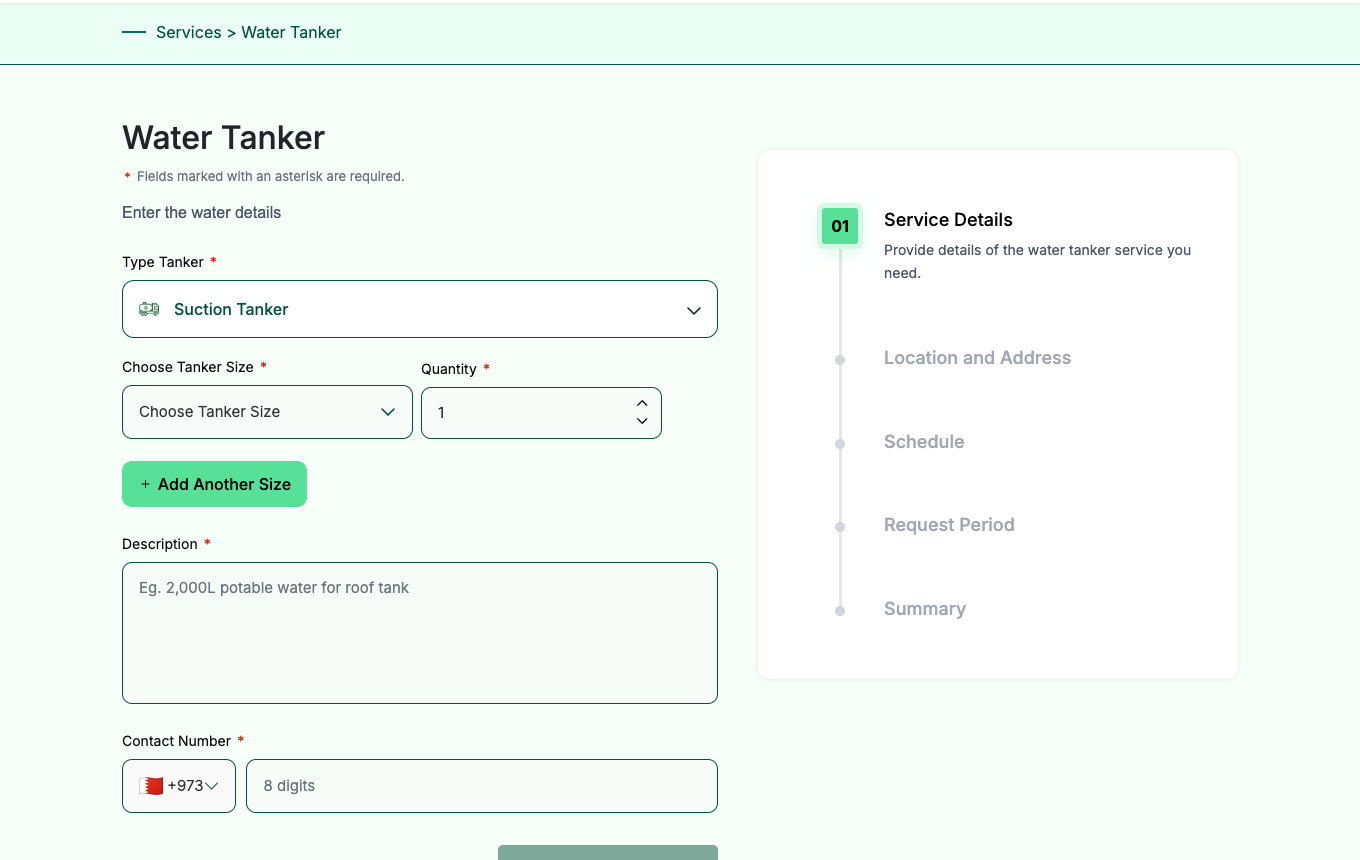
The booking form. The panel on the right shows how far through you are. -
Add the location
Enter where the work should happen: flat or shop number, building, road, block and town. You can pick a saved address instead of typing it again.
-
Choose when you need it
Book for now, or choose a date and time. For work that repeats you can book it daily over a date range, or weekly on the days you choose.
-
Set how long you will accept offers
The request period is the window during which providers can send you a price. Once it ends, the request closes and no more offers can arrive.
-
Check the summary and confirm
Review everything on the summary screen, then confirm with the 4-digit code we send you. Your request now appears under My Requests with a reference number such as
REQ-2026-0075.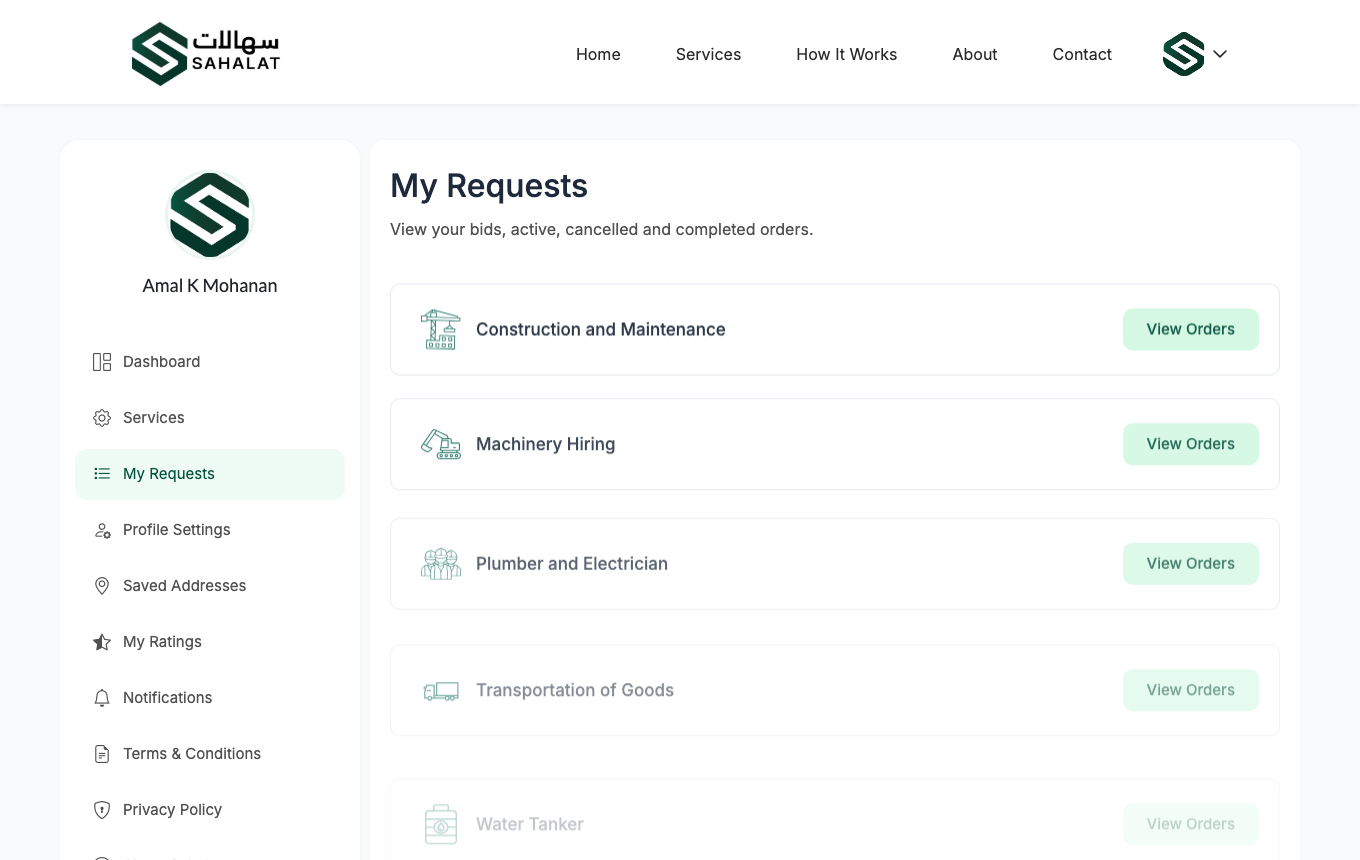
Your requests list, showing the reference number and status of each one.
Booking a particular provider
If you already know who you want, open their profile and book them directly — only they will see the request. You can also ask for a specific worker by their worker code if you liked someone from a previous job.
What happens next
Nothing is confirmed yet. Providers who offer that service can now see your request and send you a price. See Compare prices and choose a provider.



 Continue with Google