
For customers
Create your account
Sign up, confirm your mobile and email, and sign in for the first time.
You need a free account before you can book anything. It takes about two minutes.
-
Open the Sahalat website
Go to the Sahalat website and click Login in the top right corner.

The Sahalat home page. The Login button is at the top right. -
Choose Sign up
In the box that appears, click Sign up and fill in:
- Your full name
- Your email address
- Your mobile number (choose your country code first)
- A password
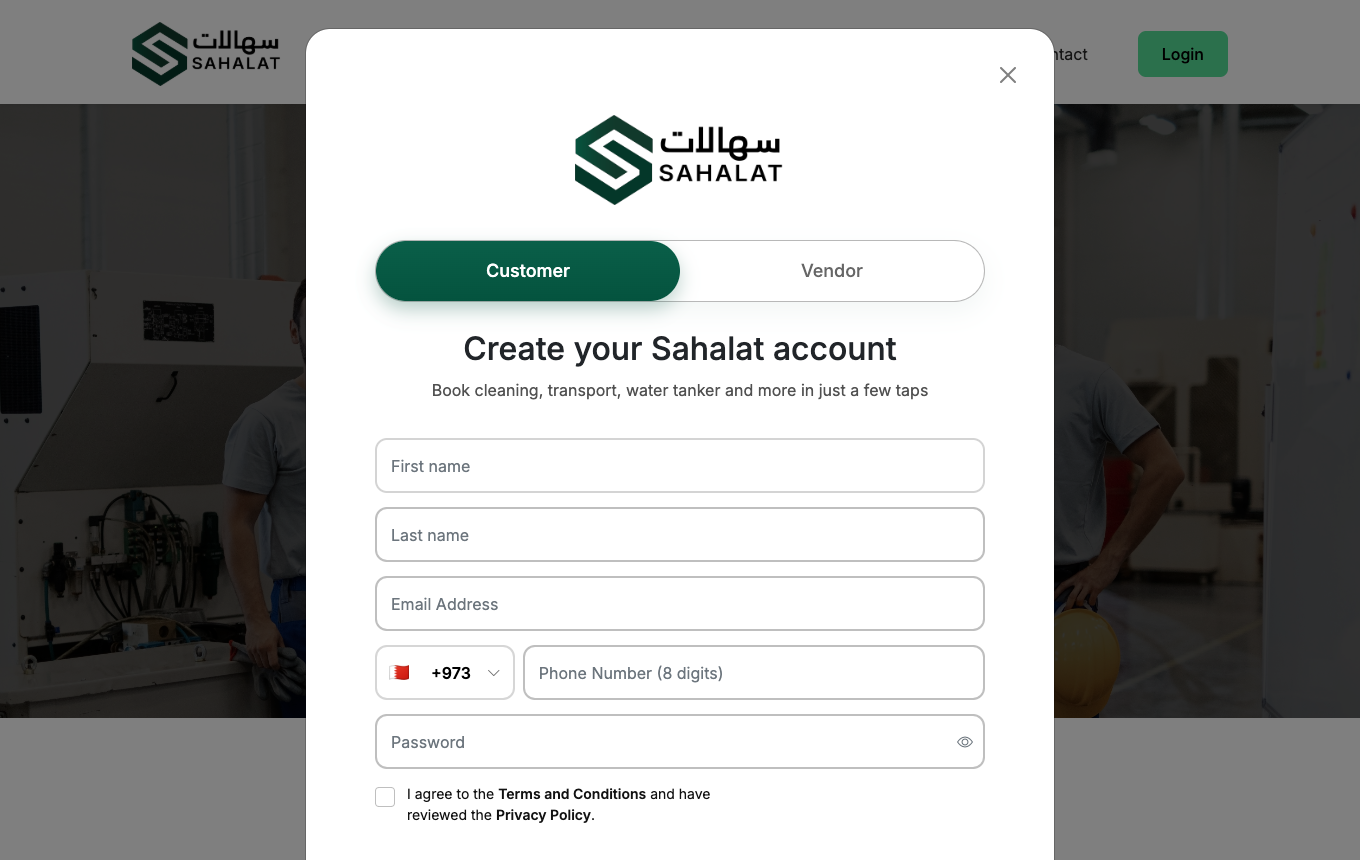
The sign-up form asks for your name, email, mobile number and a password. -
Enter the two confirmation codes
We send you two 4-digit codes — one by SMS to your mobile and one by email. Type both in to confirm they belong to you.
If a code does not arriveCheck your spam folder first. Codes expire after 10 minutes — if yours has, click Resend to get a new pair.
-
You are signed in
Once both codes are accepted your account is active and your dashboard opens. This is where all your bookings will appear.
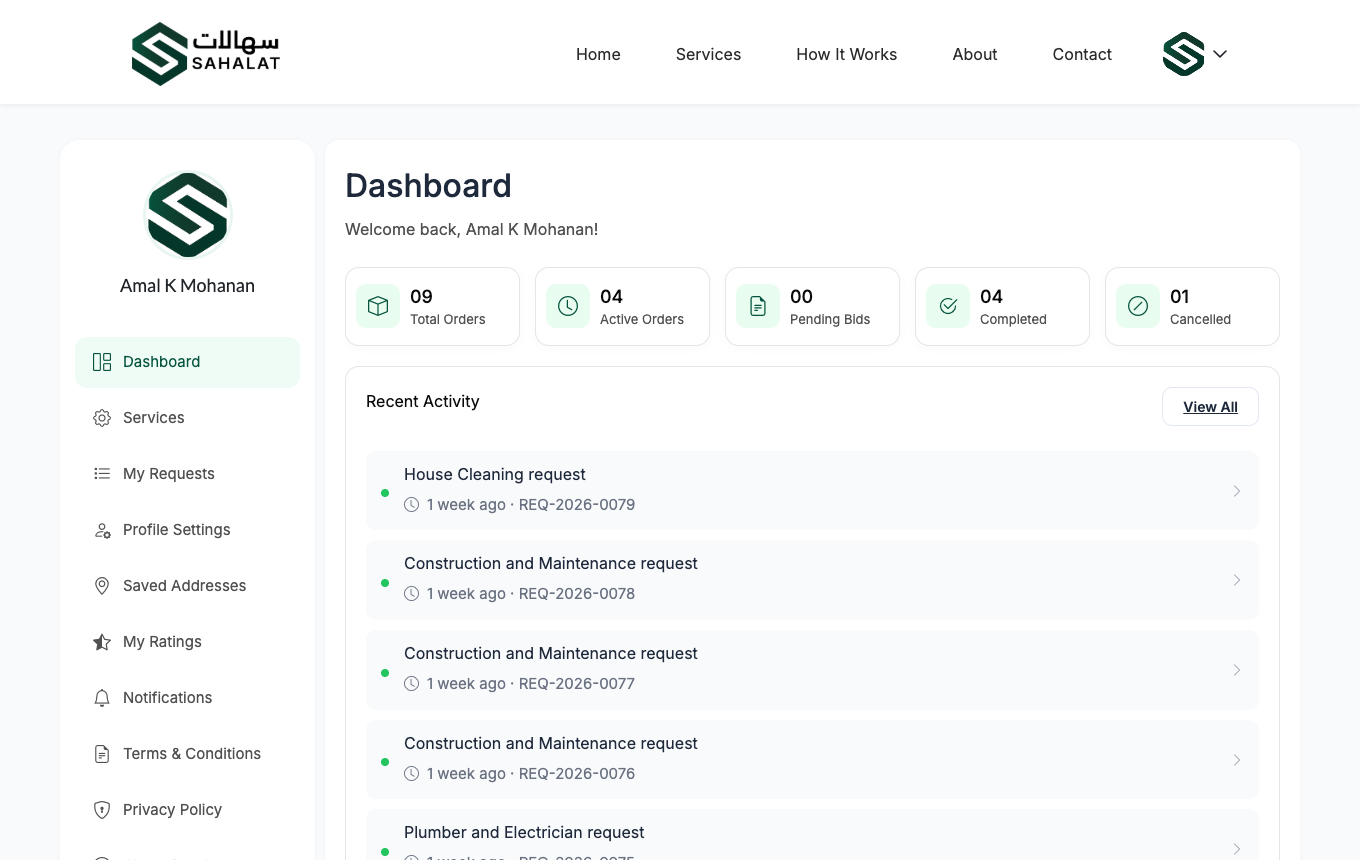
Your dashboard after signing in.
Signing in later
Click Login and enter your email and password. You can also use Continue with Google, which skips the codes entirely.
If you forget your password
Click Login, then Forgot password. We email you a link to choose a new one. The link works once and then expires.
Your account page lists every phone and computer you are signed in on, and lets you sign any of them out. Worth checking if you have used a shared computer.



 Continue with Google